
There are 3 ways to sell as an affiliate on Creatable.
(1) Post and Share Content - Post videos and photos to your storefront and share with your customers.
(2) Post and Share Product Collections - Post product collections to your storefront and share with your customers.
(3) Share Direct Links (C-links) - Send direct product links to your customers.
The above are explained further below:
Post and Share Content
Upload Photos and Videos and match them to products. You can do this by responding to a campaign, by uploading content to the content section, or by posting content to your linked social media account using a program hashtag.
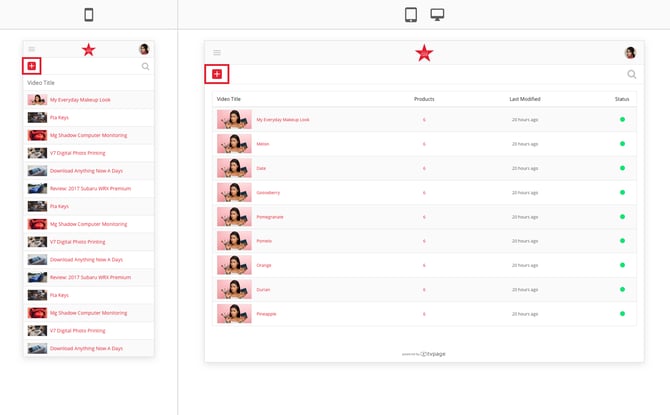
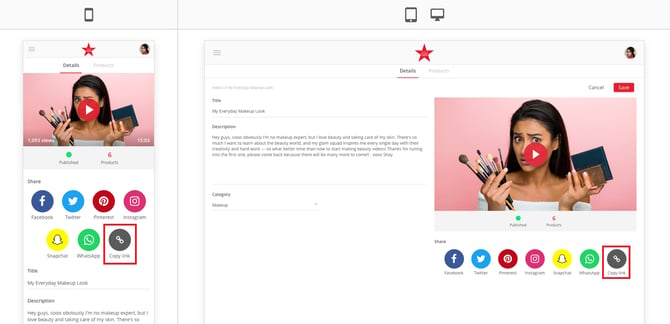
Once your post is approved, share it to all of your social media channels. Note that you can also copy a link to your videos and photos and share them directly via text, sms, email, etc.
Your customers can discover your content on their social feeds, through Google Search, and on the brand's website. When they make any purchase after viewing any of your videos or photos you get paid!
Post and Share Product Collections
Post collections of products to your storefront. These collections can be used to showcase your favorite products, seasonal looks, tools to get a job done, cooking ingredients, or any other grouping of products that make sense.
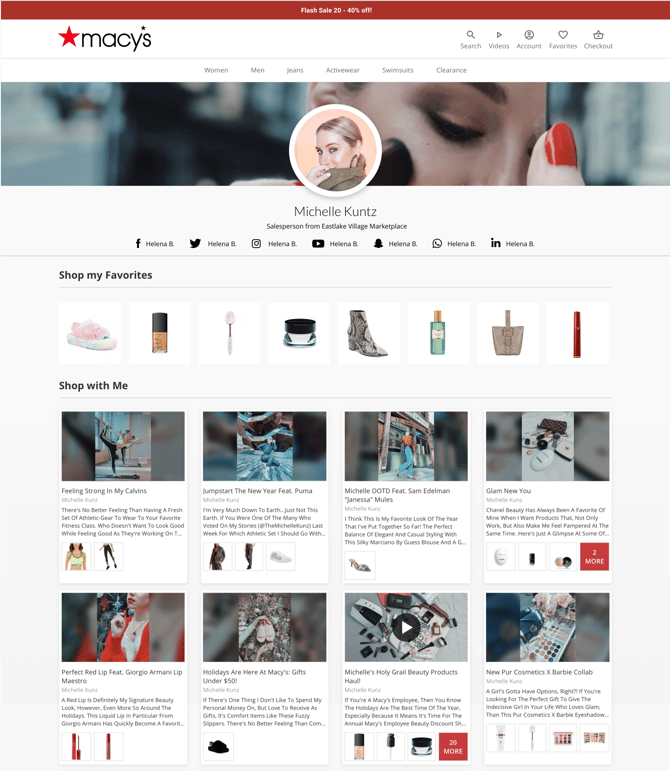
Share your Storefront link to your customers. Remember, when a customer visits your Storefront and then makes a purchase, you get paid!
Share Direct Links (C-Links)
Send direct product links to your customers when they are ready to purchase. Search or scan products from the catalog and send them directly via text, sms, email, etc.
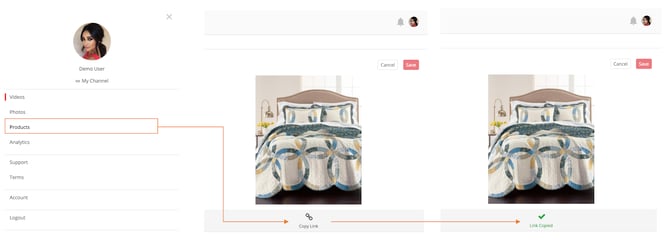 When customers make a purchase after clicking on a link that you sent them, you get paid!