1. Your storefront link
Your storefront is your personal shop page, with all your collections and content in one place. You can get its link in two ways:
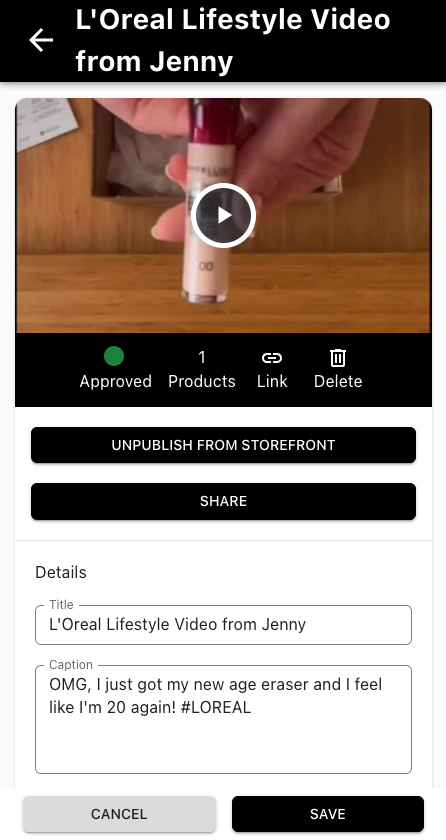
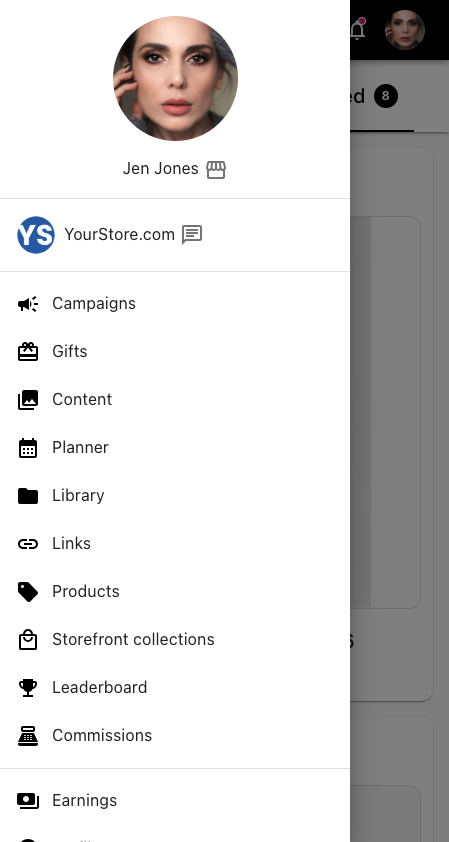
- From the side menu: tap the menu icon in the top left. Your storefront is next to your name at the top of the menu.
- From Storefront collections: open the side menu and tap Storefront collections. Tap Copy storefront link to copy it, or View your storefront to see it the way shoppers do.
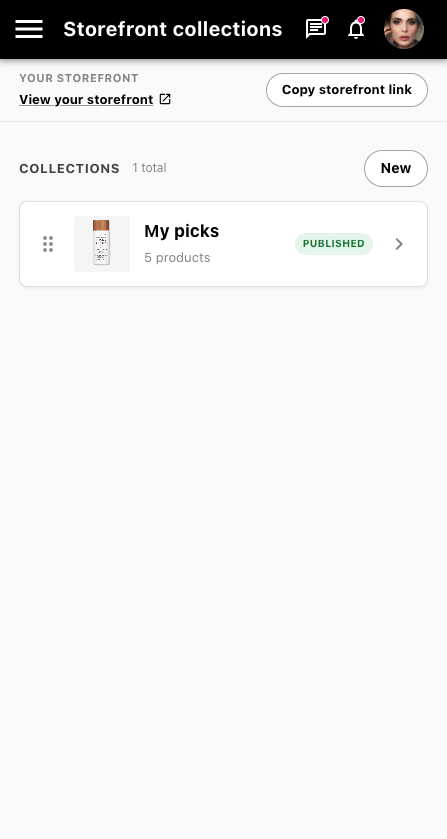
Tip: add your favorite products to your storefront. Shoppers who visit your storefront can only buy what's on it. In Storefront collections, tap New to create a collection, add the products you love, and publish it. A fully stocked storefront gives your audience more to shop and you more chances to earn commission.
2. Product links
Use a product link to send your audience straight to a specific product page.
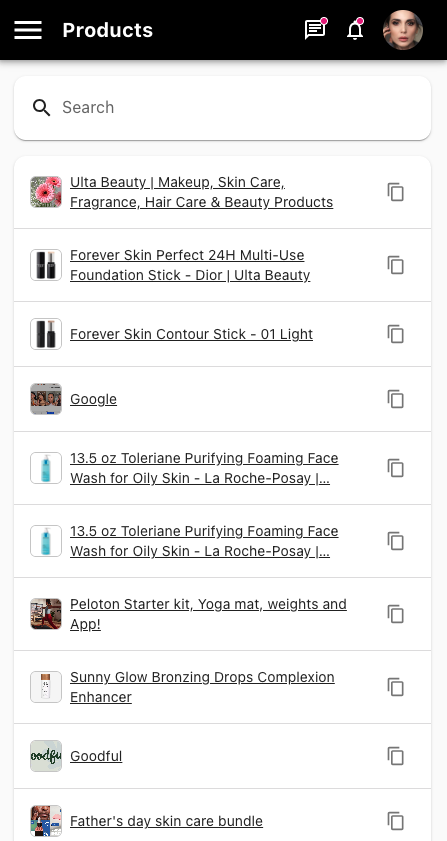
- Open the side menu and tap Products.
- Find the product you want. Scroll the list or use Search.
- Tap the copy icon next to the product to copy its link.
3. Links to any other page
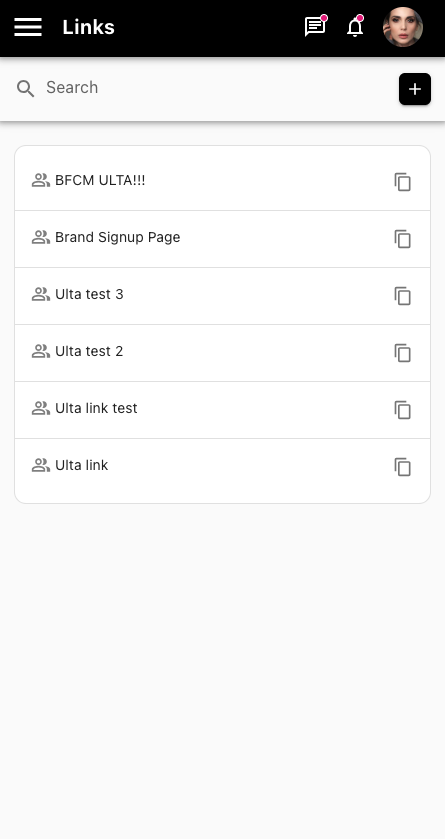
Want to link to something that isn't a single product, like a promotion, the brand's home page, or a landing page? Create a link for it in Links.
- Open the side menu and tap Links.
- Tap + to create a new link and enter the page you want to send people to.
- Tap the copy icon next to any link to copy it. Use Search to find links you've already made.
4. Content links
You can share a direct link to any piece of your content on your storefront. Your content appears there when you:
- Post to social media using the program's hashtags
- Upload it to a campaign
- Upload it in the Content section
To get a content link:
- Open the side menu and tap Content.
- Tap the piece of content you want to share.
- Tap Link to copy its link, or Share to send it directly.